
NoBlameNetwork
March 3, 2018
21 views
1 min read
Its important to mention this will work on either inside or outside interfaces, but you should preferably only have this available to the inside, unless you're able to identify a very small number of IPs that are permitted externally. Check here to see Known SSH Vulnerabilities.
Step 1
Creating an enable password
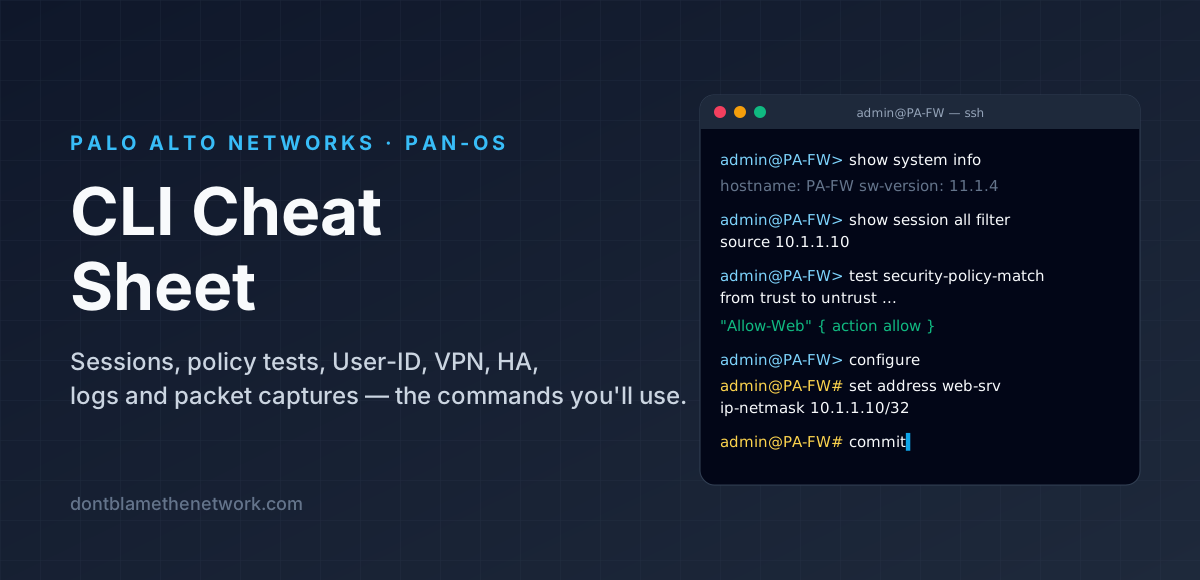
DBTN-ASA(config)# enable password Password1
DBTN-ASA(config)# username dbtn password Password1 privilege 15
Step 2 Defining which IPs are permitted
DBTN-ASA(config)# ssh 10.10.83.0 255.255.255.0 insideStep 3 Define a domain-name
DBTN-ASA(config)# domain-name dontblamethenetwork.comStep 4 Generate your rsa key
DBTN-ASA(config)# crypto key generate rsa modulus 2048Step 5 Tie your authentication method to local logins LOCAL is a predefined keyword to look at device level logins
DBTN-ASA(config)# aaa authentication ssh console LOCALThats it! SSH in and you're in business!
Found it useful, spotted a mistake, or done it differently? Start a thread. The link and title are filled in for you; Reddit will ask you to confirm before it posts.