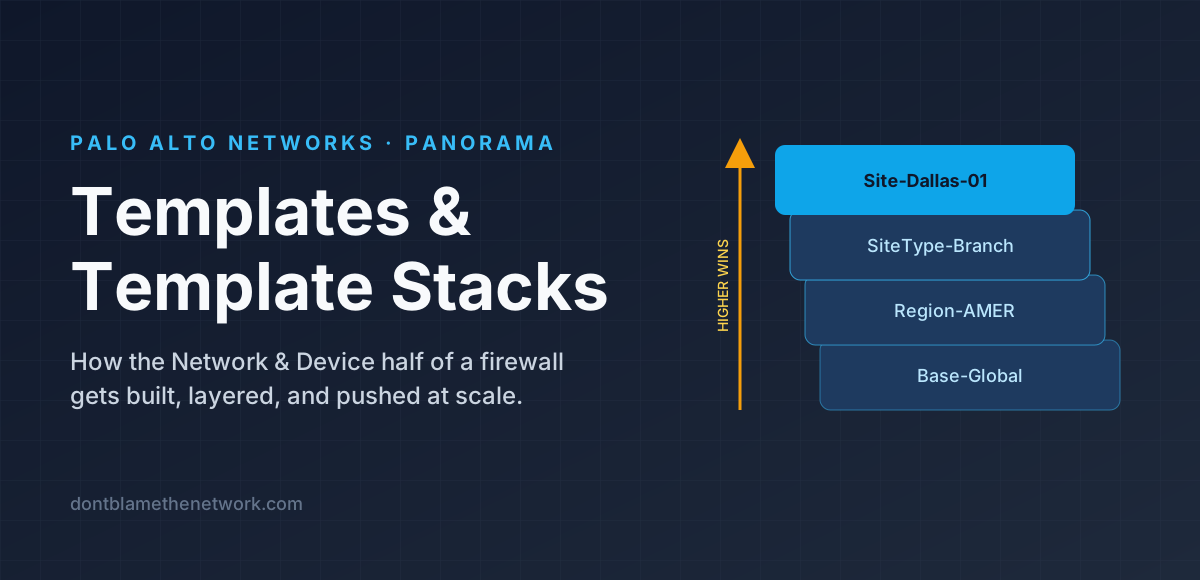
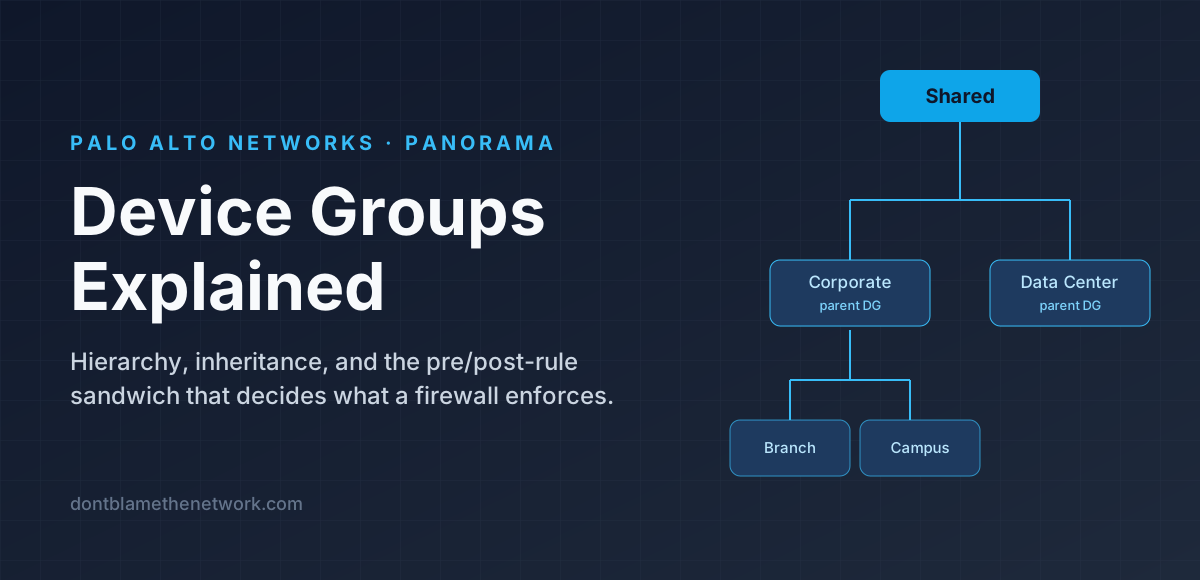
If Templates decide how a Palo Alto firewall is plumbed, Device Groups decide what it enforces. A Device Group is Panorama's container for the Policies and Objects tabs — security rules, NAT, decryption, address objects, security profiles — authored once and delivered to many firewalls. The concept is simple; the power (and the confusion) comes from two features layered on top of it: a hierarchy with inheritance, and the pre-rule / post-rule sandwich that decides the order in which everything is evaluated. This article walks through both. The other half of Panorama is covered in Templates & Template Stacks.
What a Device Group holds
Nothing about interfaces, zones, or routing lives here. Zones are defined in the template half, which is why a device group can be given Reference Templates — a pointer to a template stack so that its zone names appear in the policy editor's dropdowns. Without it you would be typing zone names blind.
The hierarchy: Shared, parents, children
Device groups form a tree. At the root is Shared, a built-in location whose contents reach every firewall Panorama manages. Beneath it you create device groups, and beneath those, more device groups — up to four levels deep. A child inherits everything from its ancestors: every rule, every object, all the way up to Shared.
Firewalls can be attached at any level, not just the leaves. A firewall placed directly in Corporate gets Shared + Corporate and nothing else. This is the lever that makes the tree useful: put a rule at the highest level where every descendant should have it, and no higher.
Pre-rules, post-rules, and the local sandwich
Every policy type in a device group has two rulebases: pre-rules and post-rules. Between them sits a third rulebase Panorama does not own — the rules configured locally on the firewall. When you push, Panorama assembles them into one ordered list. Understanding that order is the single most important thing about device groups.
The sandwich gives each level a distinct job:
| Rulebase | Evaluated | What belongs there |
|---|---|---|
| Shared pre-rules | First, everywhere | Non-negotiable allows and blocks: management access from the NOC, block known-bad regions, allow Panorama/log-collector traffic |
| Group pre-rules | After ancestors' pre-rules | The bulk of intended policy for that population of firewalls |
| Local rules | Middle | Genuinely site-specific exceptions, or nothing at all in a fully centralised design |
| Group post-rules | After local rules | Group-level catch-alls that local rules must not be able to bypass |
| Shared post-rules | Last before defaults | The global clean-up: log-everything deny, or an explicit any/any deny with logging |
The reason post-rules exist: a local administrator can add a permissive rule, but they cannot place it after your Shared post-rule deny — and they cannot place it before your Shared pre-rule block. Pre-rules protect the top; post-rules protect the bottom.
The two default rules at the very end can be edited from Panorama too (Shared or any device group) — most commonly to turn on logging for the interzone deny so that dropped traffic is visible.
Objects and inheritance
Objects follow the same tree. An address object created in Shared is usable in a rule anywhere; one created in Corporate is usable in Corporate, Branch, and Campus, but not in Data Center. When you open the Objects tab in a child group you see inherited objects listed alongside local ones, marked with the group they came from.
Two behaviours catch people out:
- Names must be unique up the chain. You cannot create
web-serversin Branch if an ancestor already hasweb-servers. What you can do is Override the inherited object, which creates a descendant-local copy with the same name and a different value. Use this sparingly — a name that means different things at different levels is a debugging trap. - Unused objects are not pushed by default. Panorama sends only the objects a device's rules actually reference, unless you enable Share Unused Address and Service Objects with Devices. This keeps firewall configs small, but it means "I see the object in Panorama" is not the same as "the firewall has it."
Where device groups meet templates
Two device-group settings tie the halves together:
- Reference Templates — lets the policy editor list zones and interfaces from the chosen stack, so you pick
Untrustfrom a dropdown instead of typing it. - Master Device — one firewall in the group whose User-ID mappings Panorama reads, so you can write user- and group-based rules with real names to choose from.
Rules also have a Target tab. A rule in a device group normally applies to every member; the Target tab restricts it to specific firewalls or vsys without needing another group. It is the right tool for the "one branch needs one extra rule" case, and the wrong tool if you find yourself targeting half the group.
Commit and push
- Commit to Panorama saves your policy edits to Panorama's configuration. Nothing has reached a firewall yet.
- Push to Devices and select the device groups (and, if the templates changed, the stacks). Panorama assembles each firewall's merged rulebase and the objects it references, sends it, and the firewall commits.
Pushing a parent group automatically includes its descendants' devices — the change is inherited, so every affected firewall needs the update. Use Preview Changes before a large push; it diffs exactly what each device will receive.
Design patterns that hold up
| Pattern | Why |
|---|---|
| Keep Shared lean — a handful of pre-rules, a logging deny in post-rules, and only universally-referenced objects | Everything in Shared lands on every device and is the hardest to change later |
| Split the first level by function, not geography (Corporate / Data Center / DMZ / Cloud) | Policy differs far more by role than by location; regional differences belong in templates |
| Stay at two or three levels even though four are allowed | Every level is one more place a rule can hide during troubleshooting |
Name objects by what, not where: svc-erp-app-tier, not dallas-servers | Objects are inherited across sites; location in the name becomes a lie |
| Tag rules by owner and ticket; use rule descriptions | Panorama's rule search and Policy Optimizer both work on these fields |
| Decide early whether local rules are allowed at all | A fully centralised design can push with local rules empty; a hybrid design must guard the bottom with post-rules |
Common mistakes
- Everything in Shared pre-rules. It works on day one and turns the tree into a decoration. Push rules down to the lowest group that needs them.
- A permissive local rule "just for now." If your Shared post-rule is a logging deny, that local rule still wins because it is evaluated first. Post-rules only protect you if the traffic falls through the local rules.
- Overriding objects to fix a mistake. If Shared's
dns-serversis wrong, fix it in Shared. Overrides that exist to patch an ancestor are technical debt with a name collision built in. - Forgetting Reference Templates. Rules with mistyped zone names commit fine on Panorama and fail on push.
- One device group per firewall. Same anti-pattern as one template per firewall: you have rebuilt manual configuration with extra steps.
Quick verification
On the firewall, see the rules Panorama delivered (pre and post):
admin@FW-DAL> show config pushed-shared-policyOn Panorama, list the tree and membership:
admin@Panorama> show devicegroupsIn the GUI, Panorama > Device Groups shows the hierarchy, and Policies > Security has a Preview Rules button that renders Figure 3 for any device you pick.
Key takeaways
A Device Group holds Policies and Objects. Groups form a tree under Shared, up to four levels deep, and children inherit from ancestors. Each policy type has pre-rules (evaluated ancestor → descendant, before local rules) and post-rules (evaluated descendant → ancestor, after local rules), with the firewall's local rules in the middle and the two default rules last. Reference Templates and a Master Device connect the group to the template half. Keep Shared lean, split by function, and let post-rules guard the bottom.
Found it useful, spotted a mistake, or done it differently? Start a thread. The link and title are filled in for you; Reddit will ask you to confirm before it posts.